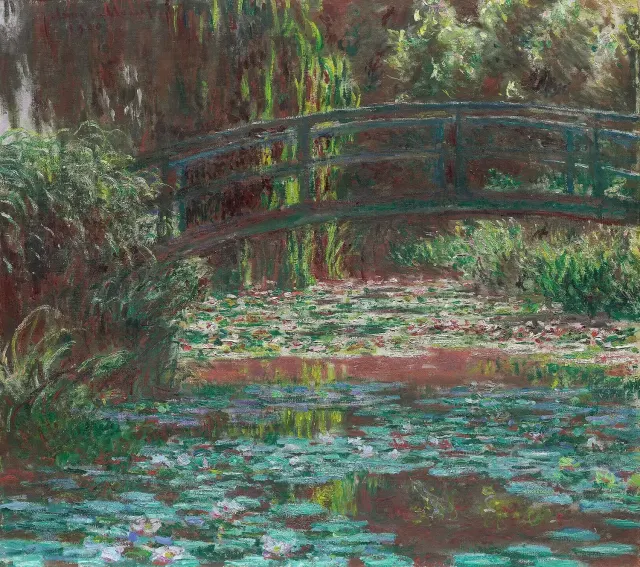
Water Lily Pond, Claude Monet, 1900
Water Lily PondClaude Monet, 1900Hangs next on November 14
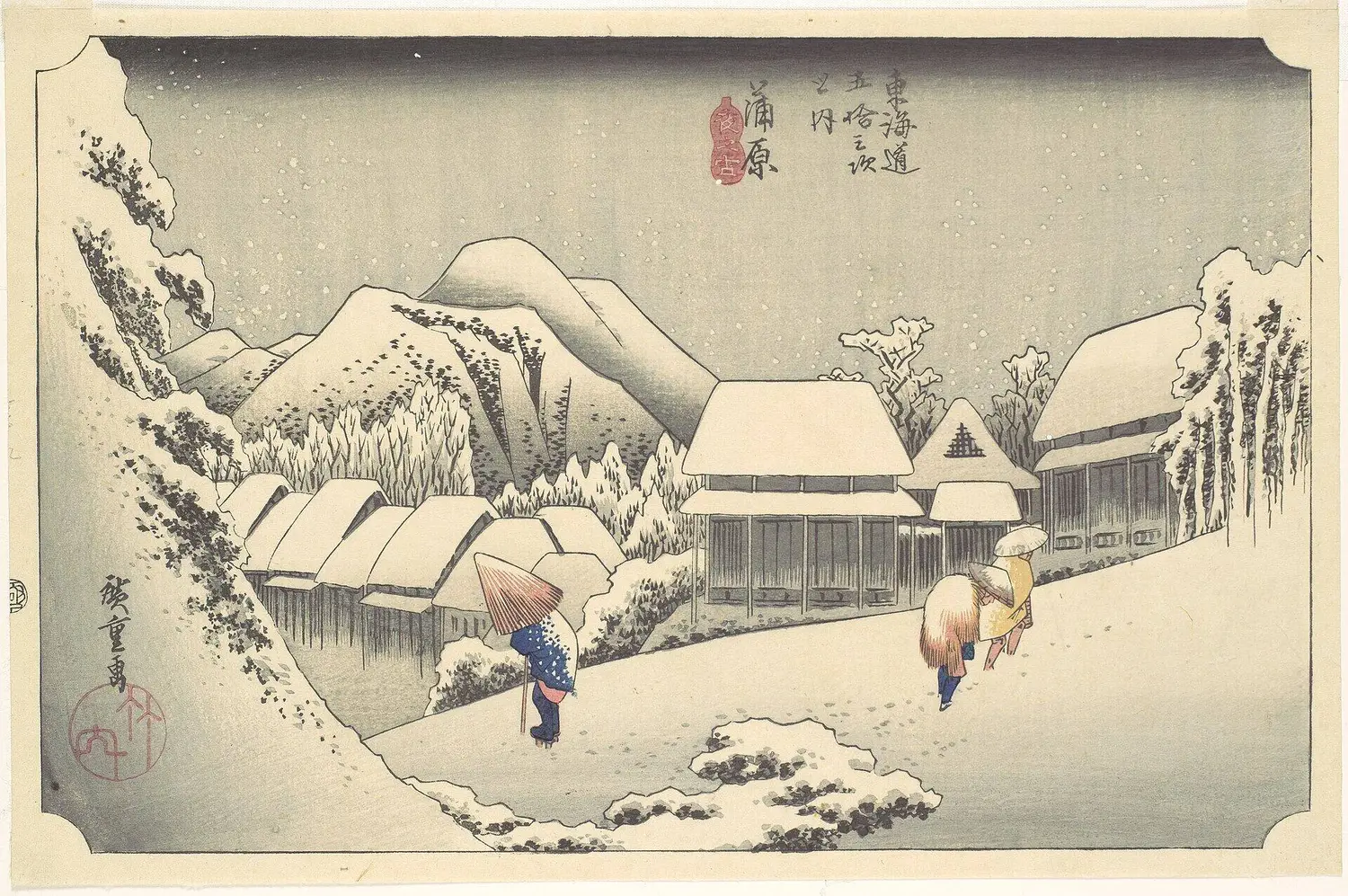
Evening Snow at Kanbara, Utagawa Hiroshige, c. 1833/34
Evening Snow at KanbaraUtagawa Hiroshige, c. 1833/34Hangs next on November 15
Two Sisters, Pierre-Auguste Renoir, 1881
Two SistersPierre-Auguste Renoir, 1881Hangs next on November 2
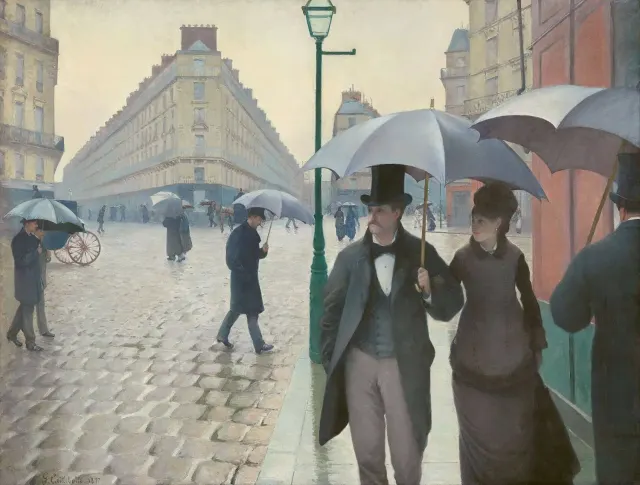
Paris Street; Rainy Day, Gustave Caillebotte, 1877
Paris Street; Rainy DayGustave Caillebotte, 1877Hangs next on October 24
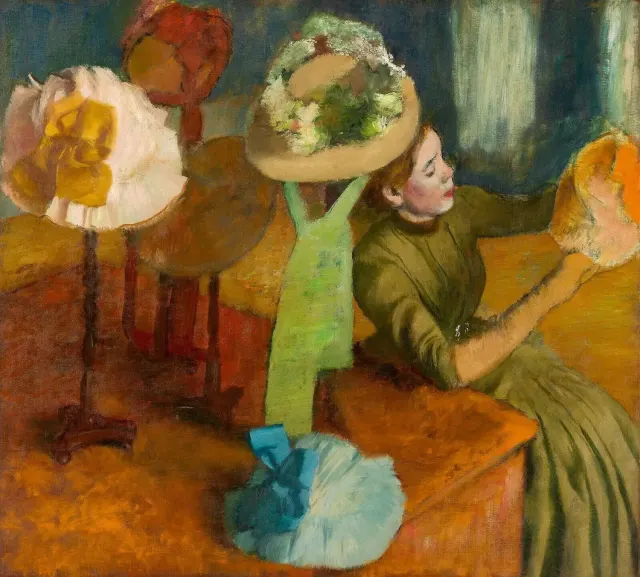
The Millinery Shop, Edgar Degas, 1879-86
The Millinery ShopEdgar Degas, 1879-86Hangs next on November 16
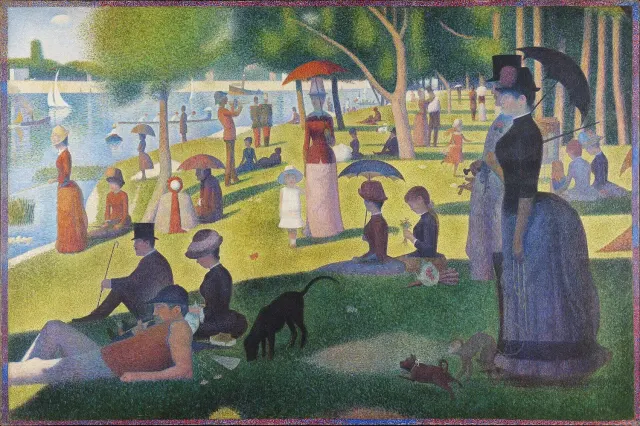
A Sunday on La Grande Jatte — 1884, Georges Seurat, 1884–86, border added 1888–89
A Sunday on La Grande Jatte — 1884Georges Seurat, 1884–86, border added 1888–89Hangs next on November 23
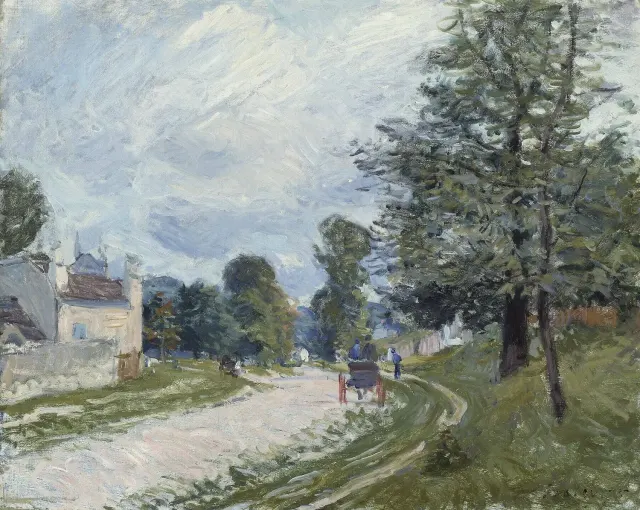
A Turn in the Road, Alfred Sisley, 1873
A Turn in the RoadAlfred Sisley, 1873Hangs next on November 3
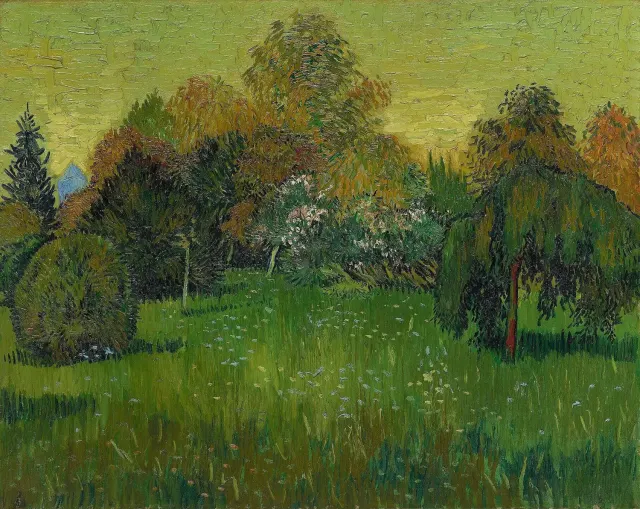
The Poet's Garden, Vincent van Gogh, 1888
The Poet's GardenVincent van Gogh, 1888Hangs next on November 13
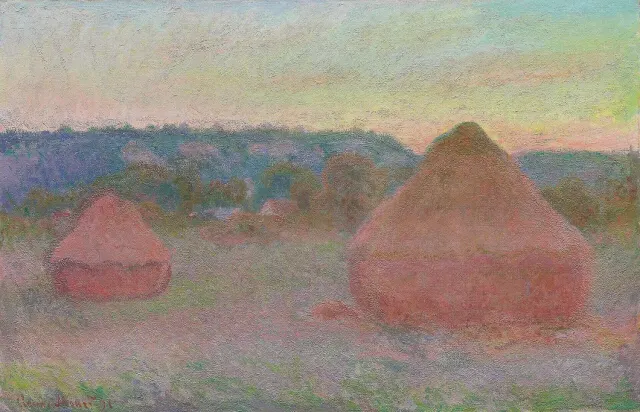
Stacks of Wheat, Claude Monet, 1890–91
Stacks of WheatClaude Monet, 1890–91Hangs next on October 30
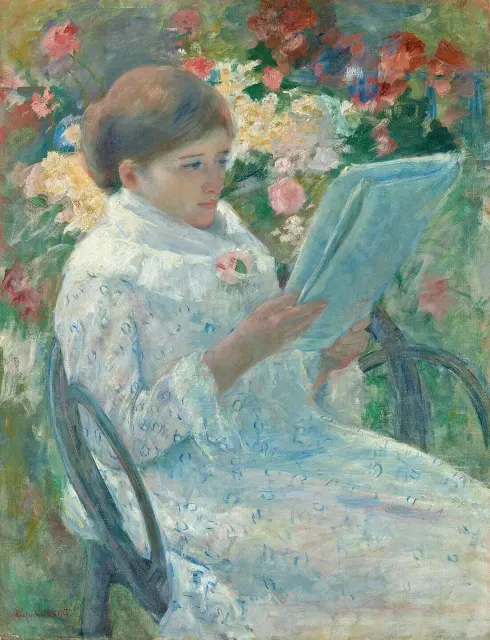
On a Balcony, Mary Cassatt, 1878–79
On a BalconyMary Cassatt, 1878–79Hangs next on November 10
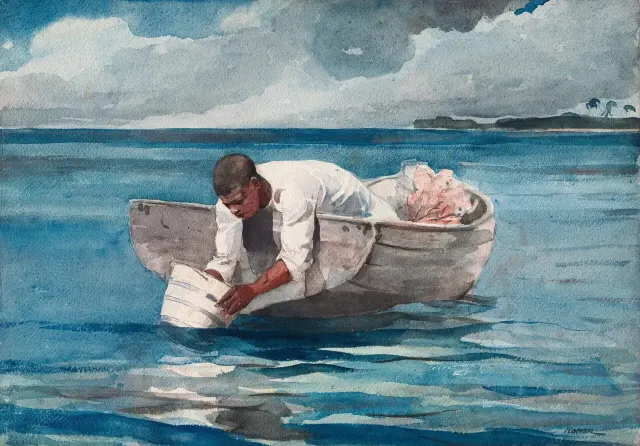
The Water Fan, Winslow Homer, 1898/99
The Water FanWinslow Homer, 1898/99Hangs next on November 12
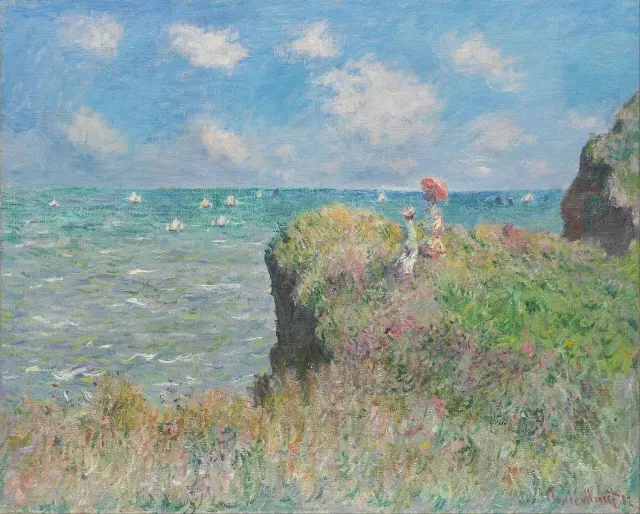
Cliff Walk at Pourville, Claude Monet, 1882
Cliff Walk at PourvilleClaude Monet, 1882Hangs next on November 8
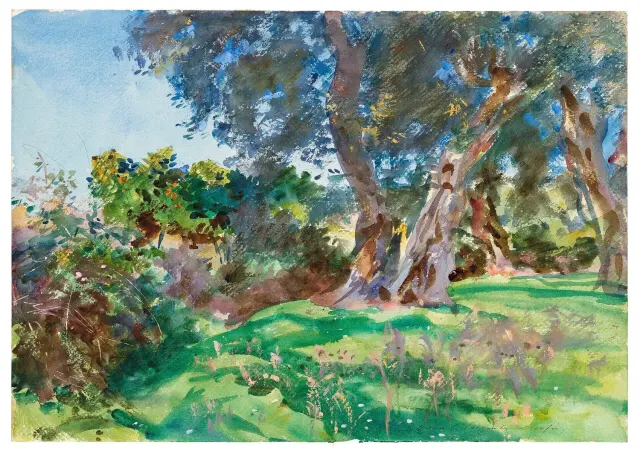
Olive Trees, Corfu, John Singer Sargent, 1909
Olive Trees, CorfuJohn Singer Sargent, 1909Hangs next on November 11
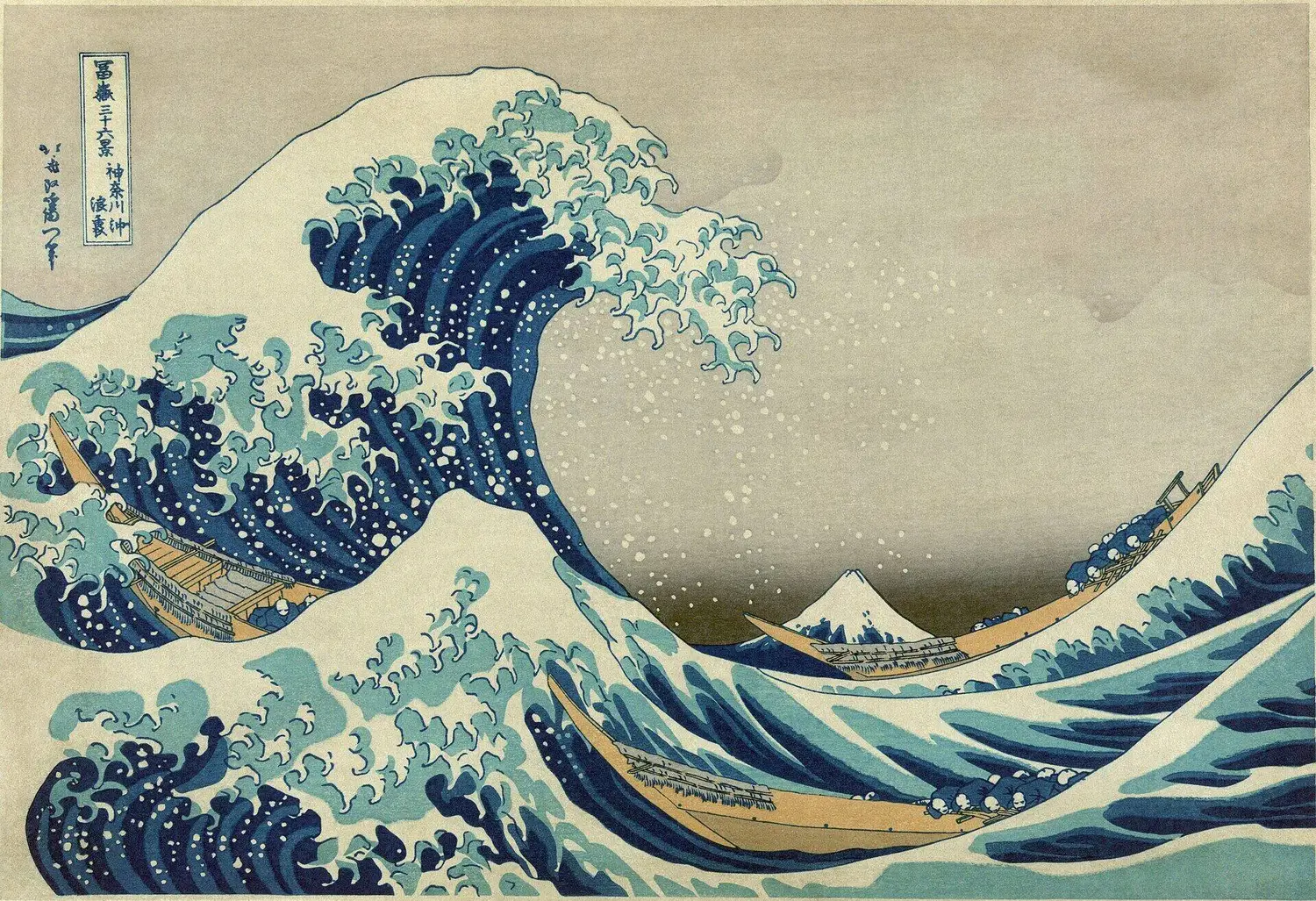
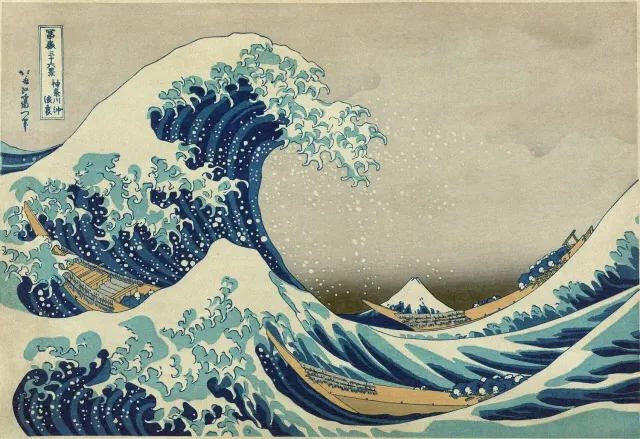
The Great Wave off Kanagawa, Katsushika Hokusai, 1830/33
Today, October 16Hokusai, The Great Wave off Kanagawa

DaybookOpen source

A painting a day, and a plan to match.

An open-source daily planner, hung beside 44 public-domain paintings. Plan the morning, shut down in the evening, and let your AI agents do the typing.

The video

Daybook in fifty seconds.

Plan the morning, work the day, shut down at night and let your agents do the typing: in the browser, on your Mac and on the wall. No sound needed.

Daybook, in fifty seconds2026 · Moving image, silent · 0:50

Today on every Daybook, as the app hangs it

The Great Wave off Kanagawa, Katsushika Hokusai, 1830/33
The Great Wave off KanagawaKatsushika Hokusai, 1830/33Look for the three boats beneath the wave, and Mount Fuji, small in the background.

Friday

October 16

Plan the day

Deep work: analytics dashboard

Schedule2 meetings

9:30Team standup

2:00Lunch with Anain 25 min

To do5h 45m of 6h · 1 of 5 done

Write hero and pricing copySite · Carried over from Monday2h
Send invoice to the agency15m
Fix signup redirect loopAPP-214 · In Progress in Linear1h
Review Ana's onboarding mocks30m
Call the bank about the card1h

Forty-four paintings.
One a day.

Every Daybook and every Frame hangs the same work on the same day: public-domain scans, most from the Art Institute of Chicago. These are the next six weeks.

On October 16, 2026, the wall shows The Great Wave off Kanagawa, Katsushika Hokusai.

  1. Oct 16
  2. Oct 17
  3. Oct 18
  4. Oct 19
  5. Oct 20
  6. Oct 21
  7. Oct 22
  8. Oct 23
  9. Oct 24
  10. Oct 25
  11. Oct 26
  1. Oct 27
  2. Oct 28
  3. Oct 29
  4. Oct 30
  5. Oct 31
  6. Nov 1
  7. Nov 2
  8. Nov 3
  9. Nov 4
  10. Nov 5
  11. Nov 6
  1. Nov 7
  2. Nov 8
  3. Nov 9
  4. Nov 10
  5. Nov 11
  6. Nov 12
  7. Nov 13
  8. Nov 14
  9. Nov 15
  10. Nov 16
  11. Nov 17
  1. Nov 18
  2. Nov 19
  3. Nov 20
  4. Nov 21
  5. Nov 22
  6. Nov 23
  7. Nov 24
  8. Nov 25
  9. Nov 26
  10. Nov 27
  11. Nov 28

Morning

Plan the morning.

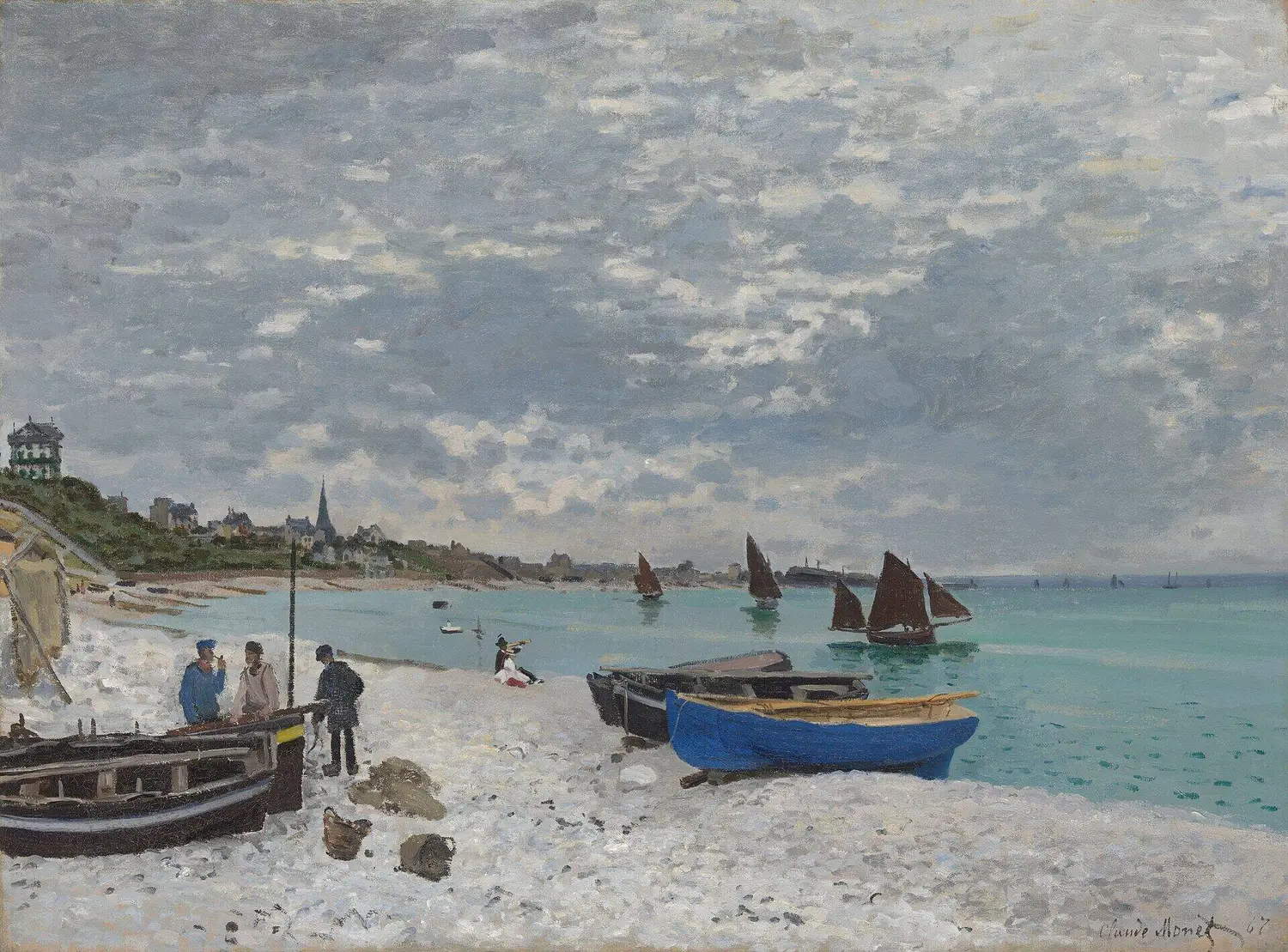
The Beach at Sainte-Adresse, Claude Monet, 1867
The Beach at Sainte-Adresse, 1867Claude Monet · Art Institute of Chicago

Plan the day5h 45m of 6h

Draft deck 45m #client

Write hero and pricing copysince Mon2h

Fix signup redirect loopLinear1h

Review Ana's onboarding mocksDesign30m

Evening

Shut down at dusk.

Evening Snow at Kanbara, Utagawa Hiroshige, c. 1833/34
Evening Snow at Kanbara, c. 1833/34Utagawa Hiroshige · The Metropolitan Museum of Art

6:12Wrapped

4 of 6 done. 2 move on.

Review Ana's onboarding mocksTomorrowBacklog

Call the bank about the cardTomorrowBacklog

One line for the journal

Good focus until lunch; the API took longer.

At home

The same painting, on the TV.

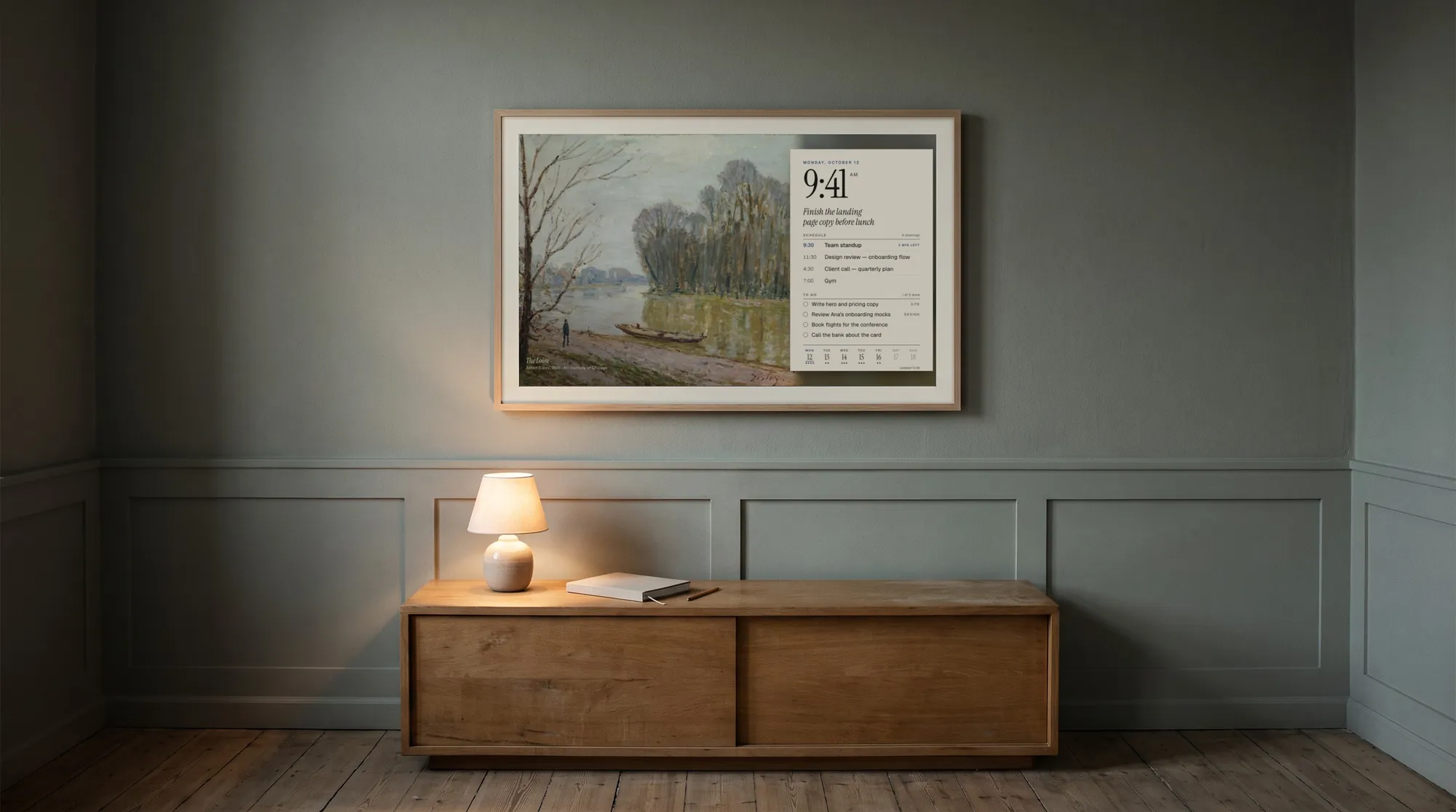
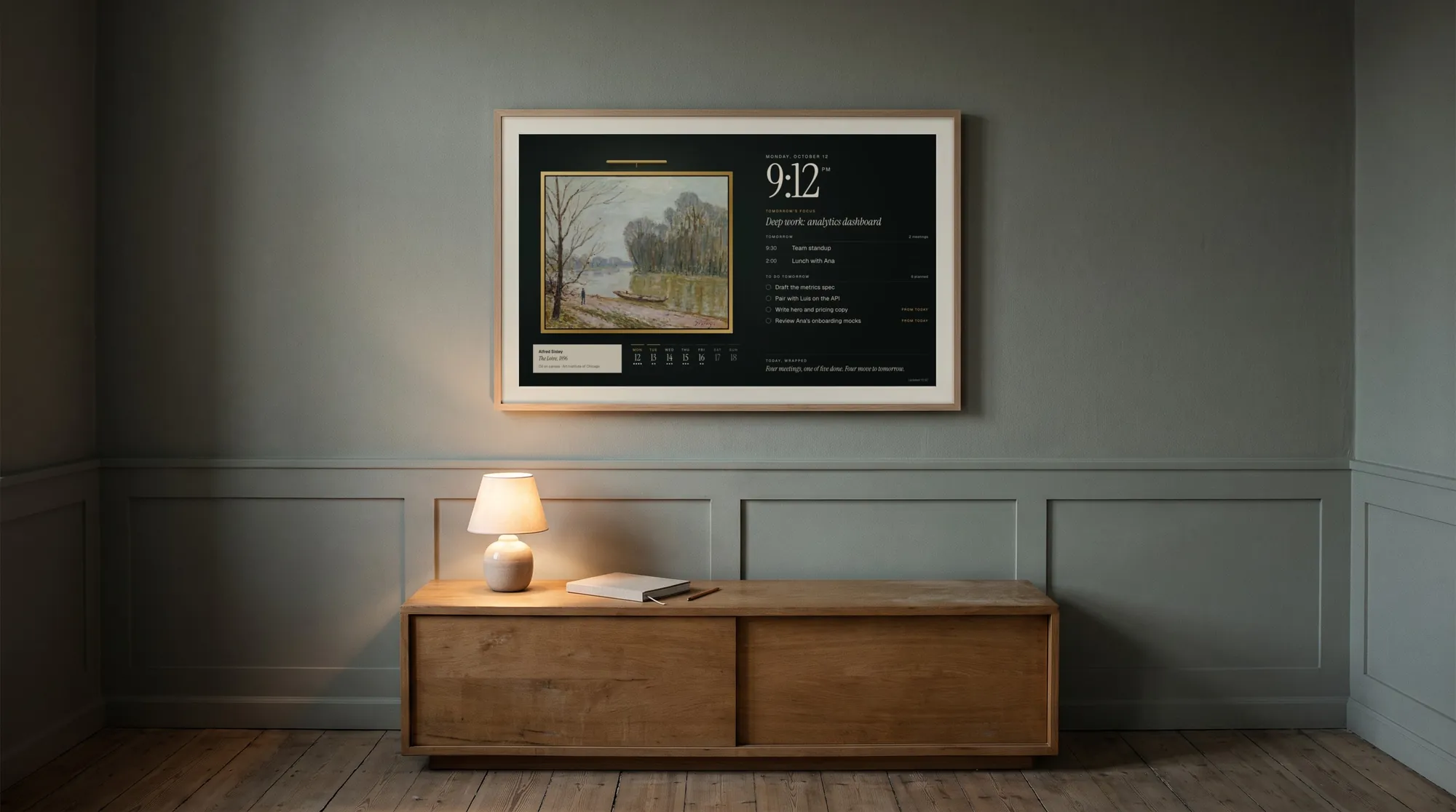
A quiet room at night with a Samsung Frame on the wall showing Frame Dashboard: a painting in a gilt frame beside tomorrow’s plan
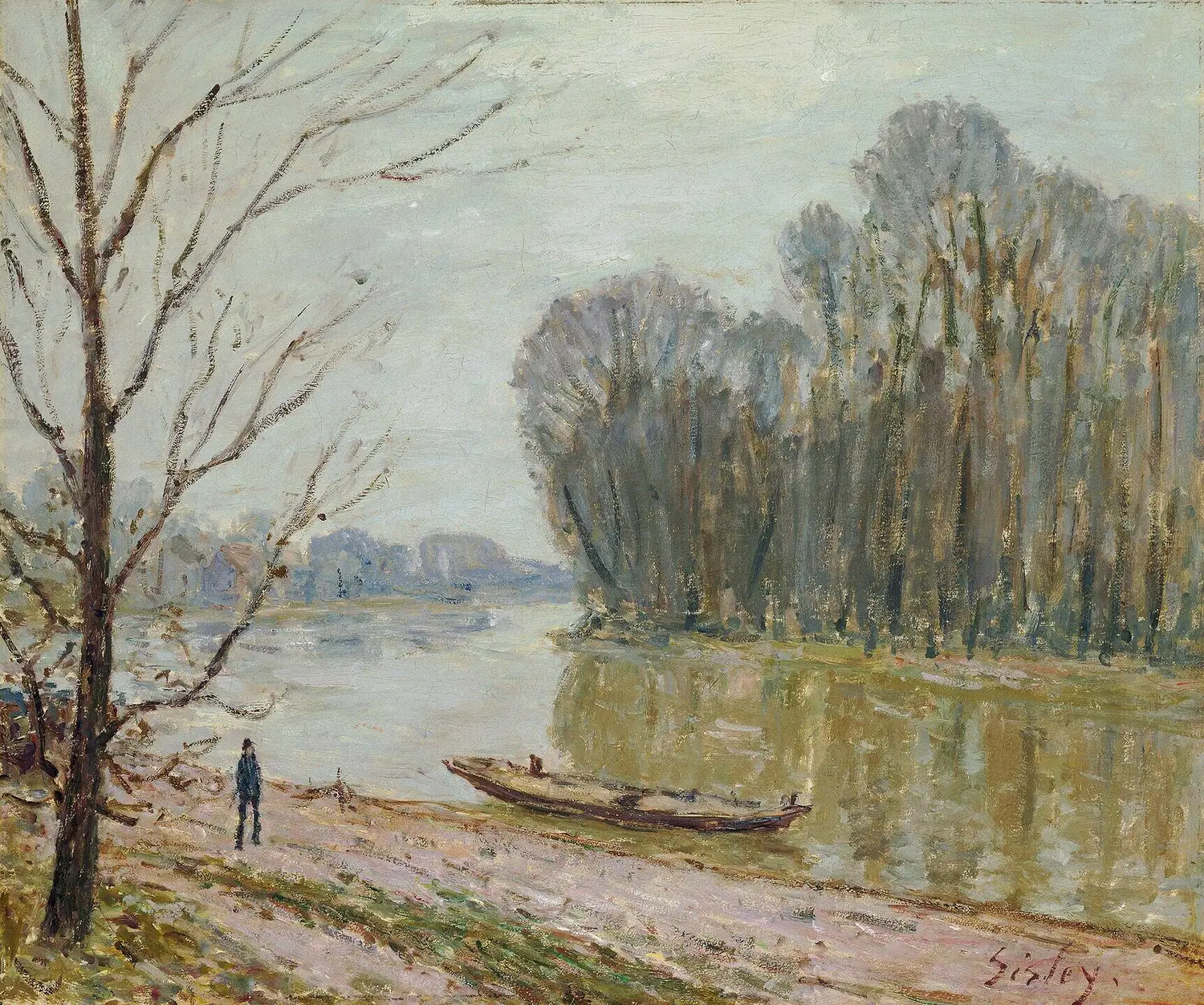
Frame DashboardSamsung Frame, 9:12 pm. Sisley's The Loire, tomorrow's plan, and today wrapped.Synced both ways with Daybook.

Frame Dashboard is Daybook's sister app for the Samsung Frame. By day the painting fills the wall; after 7 pm it hangs in a gilt frame under a lamp and the wall text turns to tomorrow. Tick a to-do on the TV and it's ticked in Daybook.

Frame Dashboard on GitHub The room is an AI-generated photograph. The screen on the wall is a real Frame Dashboard capture.

Daybook for Mac

Today, one click away in the menu bar.

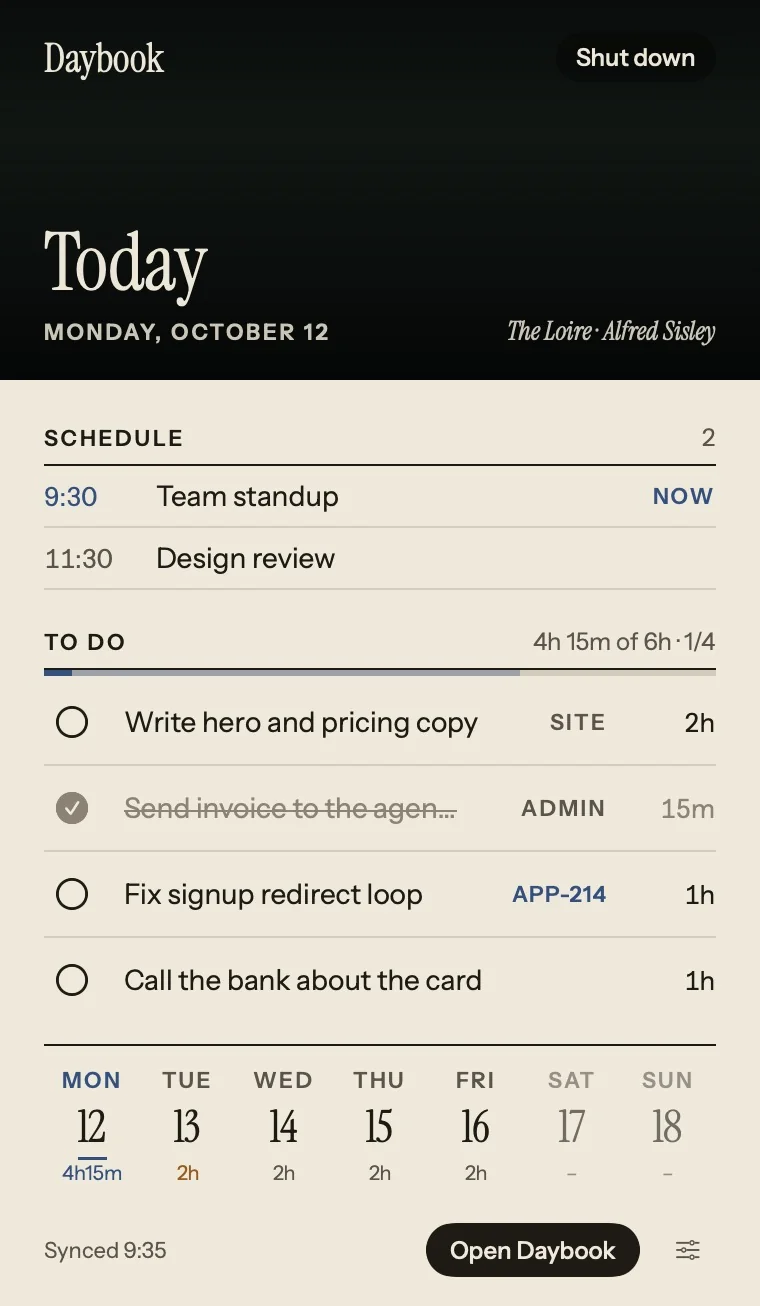
Team standup · in 12mTue 9:18
The Daybook menu bar popover: today, the schedule, four to-dos and the week

The full app in a window, and today in the menu bar: the focus line, your meetings, the to-dos you can tick or push to tomorrow, and the week. A reminder at 6 pm opens Shut down. It opens with the wall of paintings and keeps itself up to date.

Download for Mac, macOS 14 or later

MCP, REST and a CLI

Your agents do the typing.

Claude Code

claude mcp add --transport http daybook \
  https://your-daybook.vercel.app/api/mcp \
  --header "Authorization: Bearer $KEY"

Prompts

“Plan my day.”“Shut down.”“Plan my week.”


Tools

get_todayget_weeklist_backlogadd_taskupdate_taskcomplete_taskset_focusplan_dayshutdown_daysync_linearsend_to_frameframe_design

Claude, ChatGPT, Cursor, Codex, Grok, Gemini CLI, VS Code, Windsurf, or any MCP client. Settings makes a token for each one.

Take it home.

Three ways to hang it: the Mac app, any browser, or your own cloud. All free.

Daybook for Mac

macOS 14 or later · Apple silicon and Intel · 4 MB

  1. Download Daybook.dmg and open it.
  2. Drag Daybook into Applications, then open it.
  3. Paste your Daybook’s address and key. Today appears in the menu bar.
Download for Mac

Needs a Daybook in the cloud: see Your own cloud. Signed with a Developer ID and notarized by Apple, and it updates itself from then on.

In any browser

Mac, Windows, iPhone, iPad, Android · no account

  1. Open Daybook and press Start. Your days stay in that browser.
  2. Chrome or Edge: click the install icon in the address bar.
  3. Safari on a Mac: File → Add to Dock.
  4. iPhone or iPad: Share → Add to Home Screen.
Read the code

Your own cloud

Vercel and Upstash · free plans

  1. Deploy with Vercel and add Upstash for Redis to the project.
  2. Set DAYBOOK_KEY (openssl rand -hex 24) and deploy again.
  3. Open it, choose “Open it with your key” at the bottom, and enter the key once per browser.
  4. In Settings, connect the Mac app, your agents, Linear and the Frame.
Deploy your own

At the front desk

Is Daybook free?
Yes. Daybook is open source under the MIT license. On this device it needs no account and no server; your own cloud copy runs on the free plans of Vercel and Upstash.
Where are my days stored?
On this device, in your browser’s storage, and nowhere else. In the cloud, in your own Upstash database, behind a key only you hold. You can export everything to one file and import it again.
Which AI agents can use it?
Any client that speaks MCP: Claude, ChatGPT, Cursor, Codex, Grok, Gemini CLI, VS Code and Windsurf among them. There is also a REST API and a small command-line tool.
Do I need a Samsung Frame?
No. The painting of the day hangs in the app on any screen. Frame Dashboard is optional: it puts the same painting and your plan on the TV, and syncs both ways.
Where do the paintings come from?
44 public-domain works, scanned by museums and shared on Wikimedia Commons: Monet, Hokusai, Hiroshige, Cézanne, Renoir, Sisley, Homer, Van Gogh and more. Every credit links to its source.